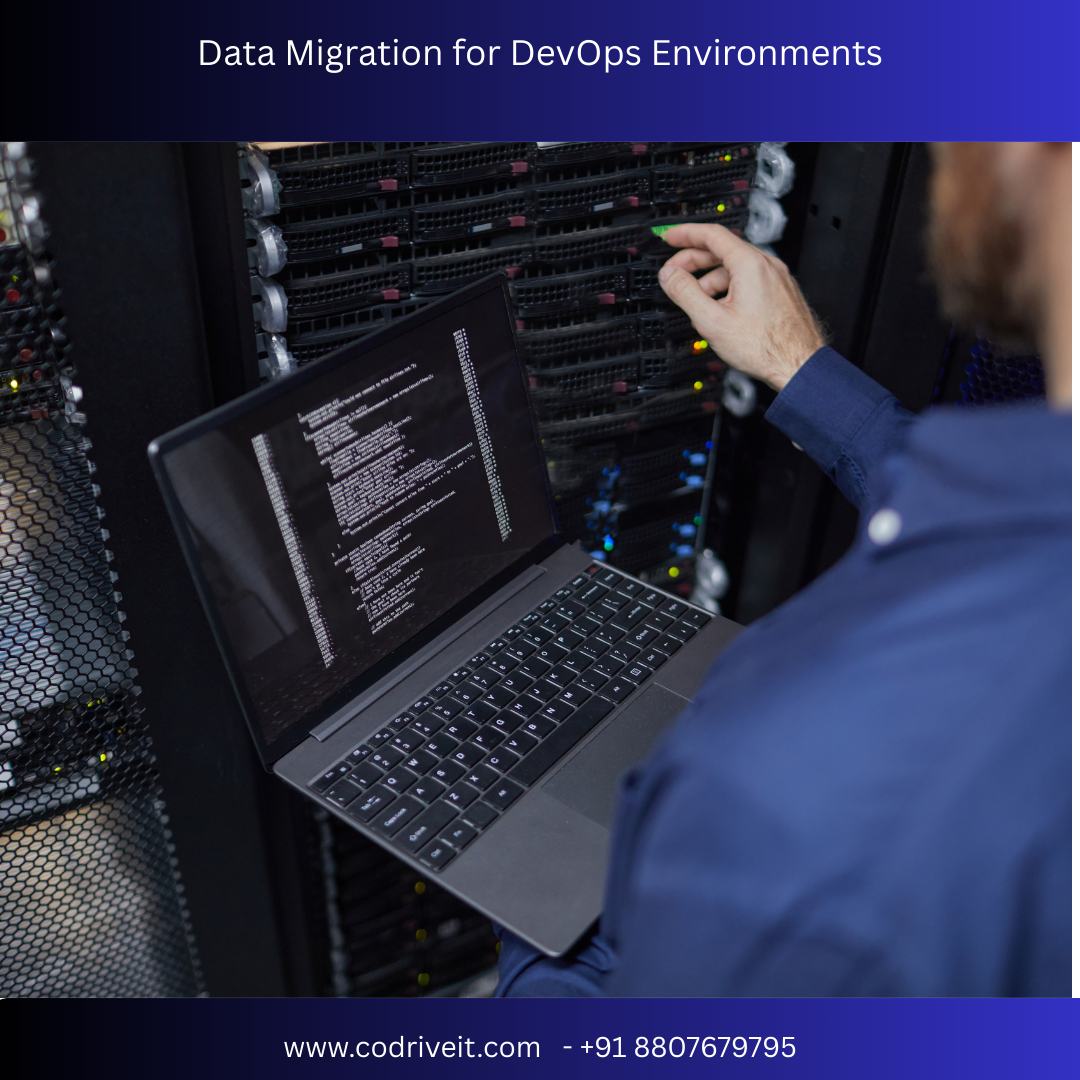

In modern software development, DevOps environments enable faster application delivery, continuous integration, and automated deployment. However, when organizations adopt DevOps practices, they often need to migrate large volumes of data across development, testing, staging, and production environments.
Data migration for DevOps environments ensures that applications have the right data available throughout the development lifecycle while maintaining data consistency, security, and performance.
This guide explains what DevOps data migration is, why it matters, migration strategies, challenges, and best practices for successful implementation.
Data migration for DevOps refers to the process of transferring and synchronizing data across different DevOps environments, including:
Development environments
Testing environments
Staging environments
Production environments
Cloud infrastructure
In DevOps workflows, data migration is often automated to support continuous integration and continuous deployment (CI/CD) pipelines.
The goal is to ensure that accurate and reliable data is available at every stage of the application development lifecycle.
DevOps emphasizes rapid development and frequent deployments. Without efficient data migration processes, development teams may face issues such as inconsistent data, testing failures, and deployment errors.
Key reasons why data migration is important in DevOps include:
DevOps pipelines require data to move seamlessly between systems during automated build and deployment processes.
Testing environments must replicate production data structures to identify real-world issues.
Developers need quick access to updated datasets to build and test features efficiently.
Accurate data migration helps maintain application performance across different environments.
Successful data migration in DevOps environments involves several components.
The process begins with extracting data from the source system, such as production databases, legacy systems, or cloud storage.
Data may require transformation to meet the requirements of different environments. This can include:
Data masking for sensitive information
Data formatting
Data filtering for test environments
The transformed data is then loaded into the target environment, such as staging or testing systems.
Automated synchronization ensures that environments remain updated with the latest data changes.
Organizations use different strategies to migrate data efficiently in DevOps environments.
Extract, Transform, and Load (ETL) pipelines automate data movement between systems and environments.
Replication technologies help synchronize data between production and staging databases in real time.
Using containers allows data services to be deployed consistently across environments.
APIs enable automated data transfers between applications and cloud services.
Instead of migrating all data at once, incremental migration transfers only new or updated data.
While DevOps accelerates development processes, it also introduces several data migration challenges.
Sensitive data used in production environments must be protected when used in development or testing systems.
Frequent deployments may lead to inconsistencies between environments if data is not synchronized properly.
Modern DevOps environments often include multiple cloud platforms, containers, and microservices.
Migrating large datasets can slow down pipelines and affect deployment speed.
Use automated scripts and DevOps tools to integrate data migration into CI/CD pipelines.
Protect sensitive production data by masking or anonymizing it before migrating to testing environments.
Maintain database schemas in version control systems to track changes and maintain consistency.
Implement monitoring tools to track data migration performance and detect failures.
Continuous testing ensures that migration workflows operate smoothly during deployments.
Several tools support automated data migration within DevOps pipelines.
Examples include:
ETL automation tools
Database migration tools
Container orchestration platforms
CI/CD pipeline tools
Cloud data integration services
These tools help organizations streamline data transfer, transformation, and synchronization.
As organizations adopt cloud-native development, microservices architectures, and container-based deployments, DevOps data migration will become increasingly automated and intelligent.
Emerging technologies such as:
AI-driven data migration tools
Real-time data synchronization platforms
Infrastructure as Code (IaC)
Serverless data pipelines
will further improve efficiency and reliability in DevOps environments.
Data migration for DevOps environments is essential for maintaining data consistency, supporting continuous deployment, and enabling efficient software development. By integrating automated migration processes into DevOps pipelines, organizations can ensure reliable data availability across development, testing, and production environments.
Following best practices such as automation, data masking, incremental migration, and continuous monitoring helps businesses build robust DevOps workflows while maintaining data security and system performance.




