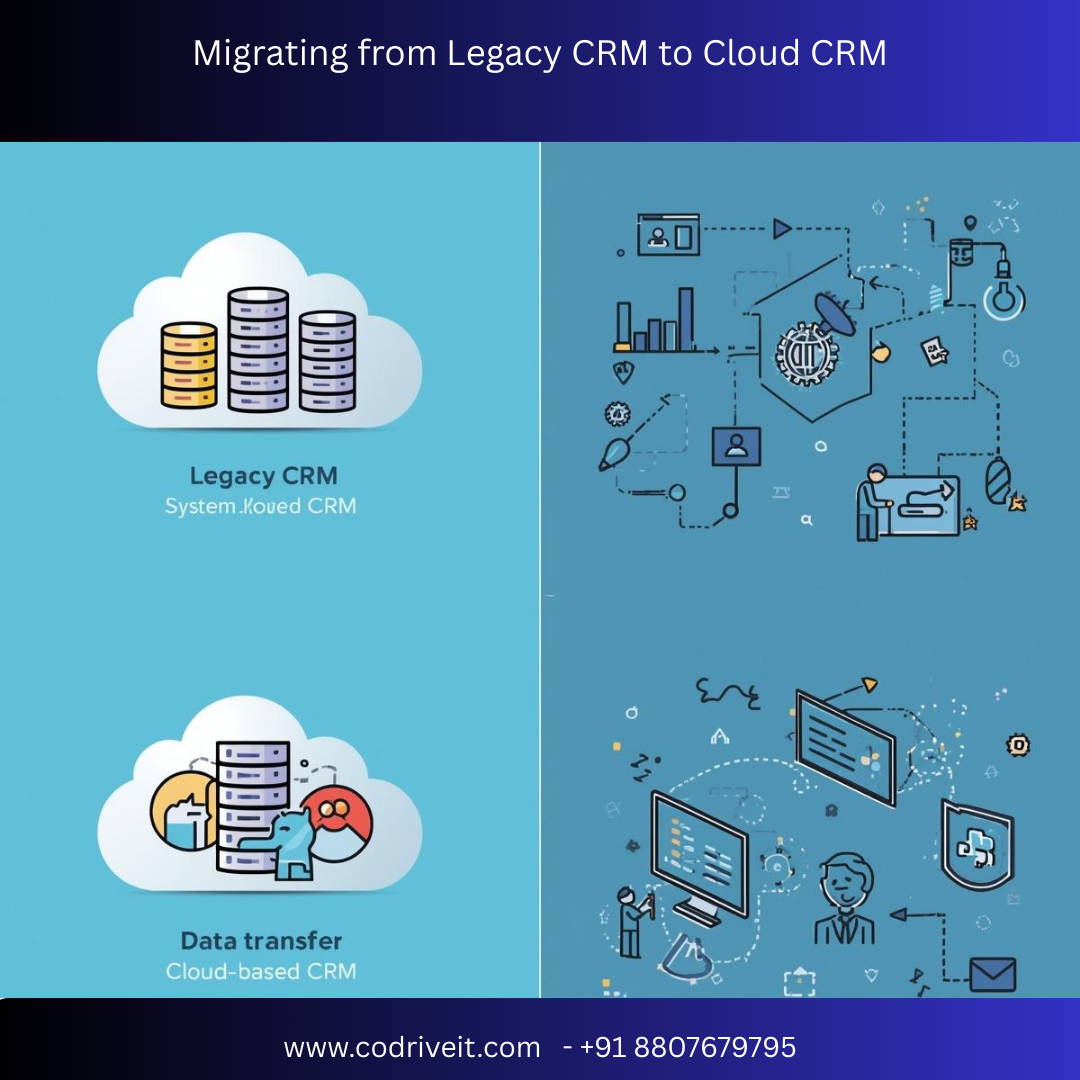

In today’s digital-first world, businesses rely heavily on Customer Relationship Management (CRM) systems to manage customer interactions, sales pipelines, and service operations. However, many organizations still operate on outdated legacy CRM platforms that lack scalability, security, and integration capabilities. Migrating from a legacy CRM to a cloud-based CRM is a strategic move that can significantly enhance operational efficiency, data accessibility, and customer experience.
This comprehensive guide explains the benefits, challenges, strategies, and best practices for migrating from legacy CRM systems to modern cloud CRM platforms.
A legacy CRM refers to older CRM systems that are typically hosted on-premise and built using outdated technologies. These systems often require manual maintenance, hardware infrastructure, and complex upgrades.
Common issues with legacy CRM systems include:
Limited scalability
High maintenance costs
Security vulnerabilities
Poor integration with modern applications
Slow performance
Lack of remote accessibility
As businesses grow and digital transformation becomes essential, these limitations make legacy systems inefficient.
A cloud CRM is a web-based CRM platform hosted on remote servers and accessed via the internet. Cloud CRM solutions provide businesses with flexibility, scalability, and real-time data access without the need for physical infrastructure.
Popular cloud CRM platforms include solutions offered by companies such as Salesforce, HubSpot, Zoho, and Microsoft.
Key advantages of cloud CRM include:
Access from anywhere
Automatic updates
Lower infrastructure costs
Easy integration with modern tools
Improved collaboration
Enhanced data security
Organizations across industries are transitioning to cloud CRM to improve performance and gain competitive advantages.
Legacy CRM systems require expensive servers, IT staff, and ongoing maintenance. Cloud CRM eliminates hardware costs and operates on a subscription model, making it more cost-effective.
Cloud CRM platforms allow businesses to easily scale resources as their operations grow. New users, features, and integrations can be added without major infrastructure changes.
Cloud CRM systems enable teams to access customer data from any location, which supports remote work and mobile sales teams.
Cloud providers invest heavily in advanced security measures, including encryption, multi-factor authentication, and automated backups.
Cloud CRM platforms seamlessly integrate with marketing tools, ERP systems, analytics platforms, and communication tools.
Although cloud migration provides significant benefits, businesses may face several challenges during the transition.
Legacy systems often contain large volumes of unstructured or duplicate data, which requires cleansing and validation before migration.
Different CRM platforms use different data structures, which can cause mapping errors if not properly planned.
Poorly executed migrations may interrupt business operations and affect productivity.
Employees accustomed to the legacy system may require training to adapt to the new platform.
Start by evaluating your current CRM infrastructure, including:
Data volume
Data quality
Custom workflows
Integrations
Security policies
This assessment helps determine the migration complexity.
Clearly define what your organization wants to achieve through migration, such as:
Better analytics
Improved customer insights
Automated workflows
Enhanced reporting
Before migration, clean and standardize your data by:
Removing duplicates
Correcting inconsistencies
Filling missing fields
Standardizing formats
Data quality is crucial for successful CRM migration.
Map legacy CRM fields to the new cloud CRM structure. This process ensures that:
Contacts remain accurate
Customer histories are preserved
Sales records remain intact
Sometimes data transformation is required to fit the new system’s format.
Testing is essential before full migration.
Key testing activities include:
Sample data migration
Validation of records
Integration testing
Performance testing
Testing helps detect errors before the system goes live.
Once testing is successful, execute the full migration process. This step typically involves:
Exporting legacy CRM data
Transforming and validating data
Importing data into cloud CRM
Verifying data integrity
Provide proper training to employees to ensure smooth adoption of the new CRM platform.
Training should cover:
Dashboard usage
Contact management
Sales pipeline tracking
Reporting features
To ensure a smooth transition, follow these best practices:
Create a detailed migration roadmap
Backup all legacy CRM data
Perform multiple migration tests
Use automated migration tools
Ensure compliance with data regulations
Monitor system performance after migration
After a successful migration, businesses can experience significant improvements, including:
Faster customer response times
Improved sales productivity
Better customer insights
Automated marketing workflows
Centralized data management
These benefits ultimately lead to stronger customer relationships and higher revenue growth.
Modern cloud CRM systems are increasingly incorporating artificial intelligence and automation capabilities.
Advanced features include:
Predictive analytics
Automated lead scoring
Intelligent customer segmentation
AI-driven sales forecasting
These innovations allow businesses to make data-driven decisions and improve customer engagement.
Migrating from a legacy CRM to a cloud CRM is a critical step for organizations aiming to modernize their operations and enhance customer experience. Although the migration process can be complex, careful planning, proper data management, and strategic execution can ensure a successful transition.
Businesses that adopt cloud CRM platforms gain the flexibility, scalability, and advanced capabilities needed to thrive in a competitive digital landscape.
If your organization is still relying on an outdated CRM system, now is the right time to begin planning your migration strategy and unlock the full potential of cloud-based customer relationship management.




