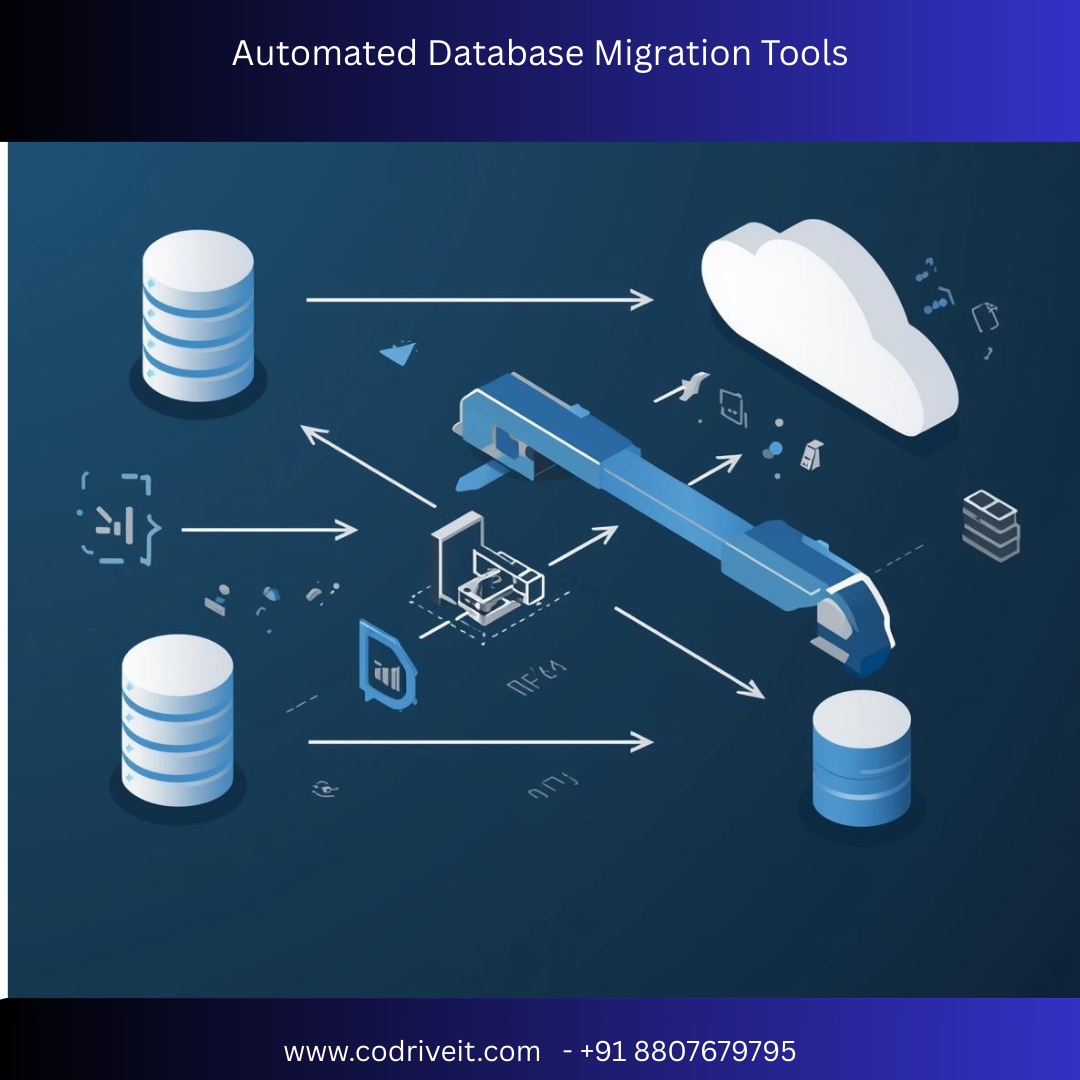

In today’s fast-paced digital landscape, businesses must modernize their infrastructure without disrupting operations. Automated database migration tools simplify and accelerate the process of moving data between systems, reducing manual effort, minimizing errors, and ensuring business continuity.
Whether you’re migrating from on-premise databases to the cloud or switching between database platforms, automation is the key to a successful migration.
Automated database migration tools are software solutions that help transfer:
Database schema
Tables and records
Stored procedures
Indexes and triggers
Application dependencies
These tools reduce human error, improve migration speed, and ensure data integrity.
Organizations often migrate from legacy systems like Oracle Database or Microsoft SQL Server to modern cloud platforms such as Amazon Aurora or Google Cloud SQL using automated solutions.
Automation reduces manual scripting and speeds up data transfer.
Built-in validation ensures consistency and accuracy.
Many tools support real-time replication and zero-downtime cutovers.
Rollback features and monitoring reduce migration risks.


4
Cloud migrations to AWS
Continuous data replication (CDC)
Minimal downtime
Multi-database support
Schema conversion integration
On-premise to AWS migration with near-zero downtime.
Microsoft ecosystem migrations
Online and offline migration modes
Azure-native integration
Assessment and compatibility checks
Migrating from on-premise SQL Server to Azure cloud databases.
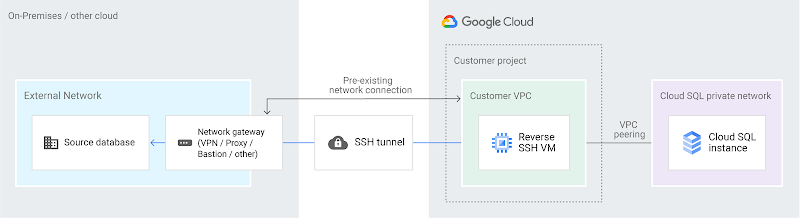
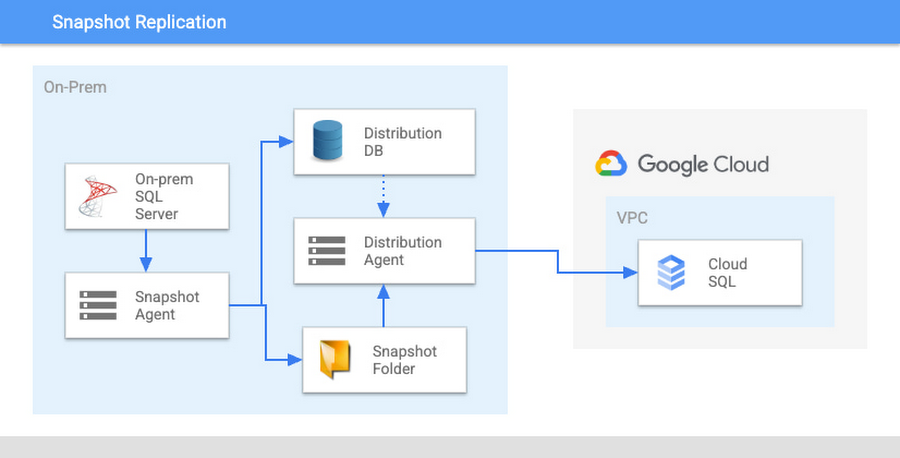
Migrations into Google Cloud
Serverless migration
Continuous replication
Minimal operational overhead
MySQL or PostgreSQL migration to Google Cloud SQL.


Large enterprise environments
Real-time data replication
High availability
Cross-platform support
Mission-critical systems requiring zero downtime.
Schema version control and DevOps automation
SQL-based migrations
Version tracking
CI/CD integration
Application-driven database migrations in DevOps environments.
✔ Real-time replication support
✔ Change Data Capture (CDC)
✔ Schema conversion capabilities
✔ Rollback options
✔ Security and encryption
✔ Multi-database compatibility
✔ Monitoring and reporting
Even with automation, challenges can arise:
Data type incompatibility
Performance tuning post-migration
Network bandwidth constraints
Application dependency issues
Proper planning, testing, and validation are essential to overcome these issues.
Evaluate database size, structure, and compatibility.
Choose the migration tool based on infrastructure and goals.
Convert database schema to target format.
Perform bulk migration of existing data.
Enable CDC for real-time updates.
Verify data integrity and application performance.
Switch traffic and monitor for issues.
Lower operational costs
Faster deployment timelines
Improved scalability
Enhanced security
Reduced manual errors
Automation transforms database migration from a risky operation into a structured and predictable process.
Automated database migration tools are essential for modern enterprises aiming to upgrade systems, move to the cloud, or modernize legacy infrastructure.
Solutions like AWS Database Migration Service, Azure Database Migration Service, and Oracle GoldenGate provide robust, scalable, and secure migration capabilities.
By selecting the right tool and following a strategic migration roadmap, organizations can ensure seamless data transitions with minimal risk and downtime.




