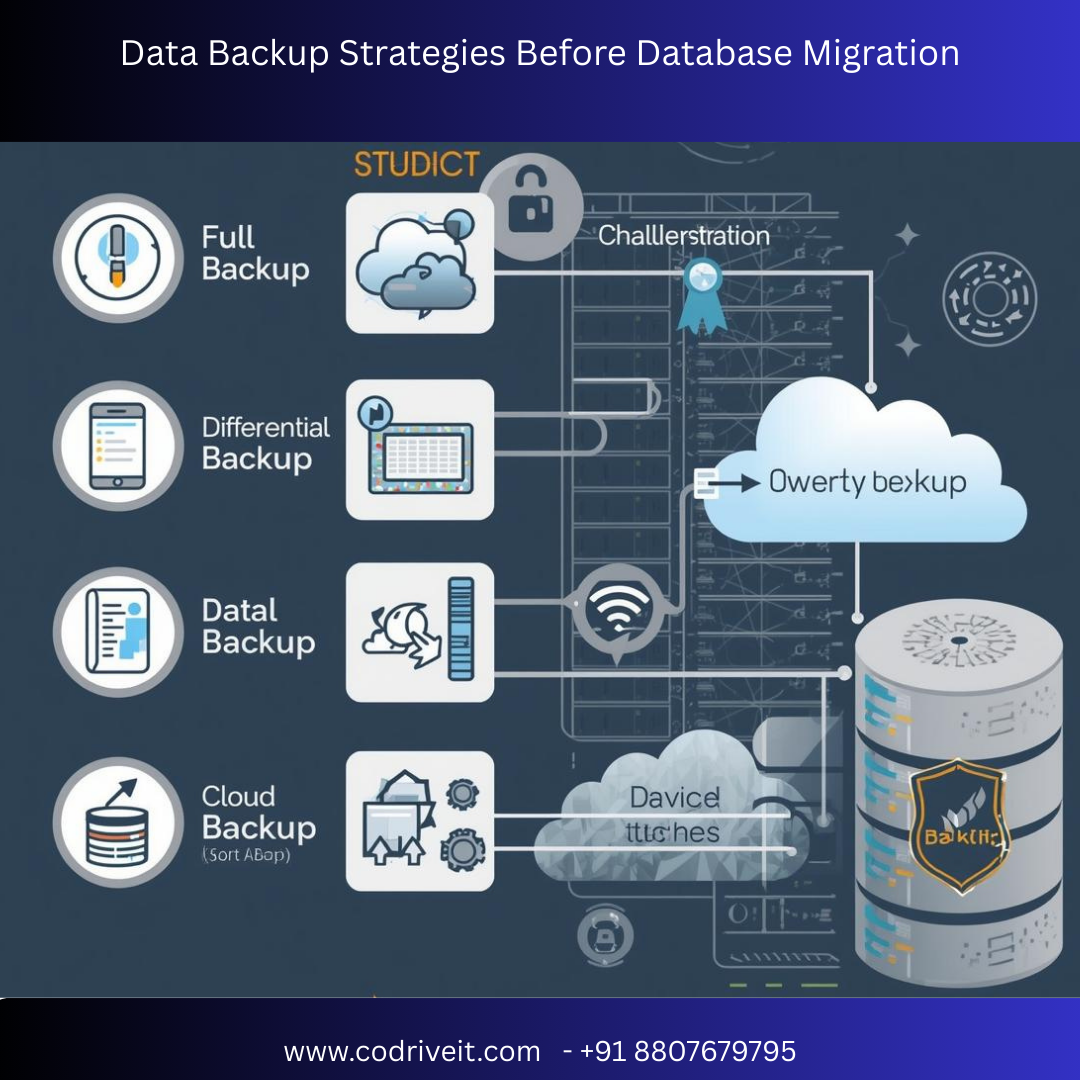

Database migration is a high-stakes operation. Whether you're moving from on-premise infrastructure to the cloud or upgrading legacy systems, data backup strategies before database migration are critical to prevent data loss, downtime, and business disruption.
In this SEO-optimized guide, we’ll explore the best backup strategies, tools, best practices, and a step-by-step checklist to secure your data before migration.
Before migrating databases such as Oracle Database, Microsoft SQL Server, or MySQL, organizations must ensure:
✅ Zero data loss
✅ Quick rollback capability
✅ Compliance adherence
✅ Disaster recovery readiness
✅ Business continuity
Without a proper backup strategy, migration failures can result in irreversible data corruption.
A complete copy of your entire database, including schema, tables, indexes, stored procedures, and configurations.
Small to medium databases
Pre-migration baseline backup
One-time safety copy
Simple and reliable
Easy restoration
Complete rollback support
Time-consuming for large databases
Requires high storage space
Backs up only the data that has changed since the last backup.
Large enterprise databases
Continuous operations
Reducing storage costs
Faster backups
Lower storage consumption
Ideal before phased migrations
Restoration can be complex
Requires backup chain integrity
Backs up changes made since the last full backup.
Medium-to-large databases
Balanced backup and recovery speed
Faster restoration than incremental
More manageable than full backups
Creates a point-in-time snapshot of the database.
Common in cloud platforms like:
Amazon RDS
Azure SQL Database
Fast creation
Minimal performance impact
Easy rollback
Cloud database migrations and zero-downtime strategies.
Backs up transaction logs to enable point-in-time recovery.
Granular recovery
Minimal data loss
Continuous protection
This is especially useful before migrating critical systems like PostgreSQL or enterprise workloads.
Identify database size
Classify critical data
Evaluate compliance requirements
Combine full + incremental + log backups for maximum protection.
Run checksum validation
Perform test restoration
Compare row counts
On-premise storage
Cloud storage
Offsite disaster recovery
Ensure IT teams know restoration procedures.
✔ Always perform a final full backup before cutover
✔ Automate backup schedules
✔ Encrypt backup files
✔ Store backups in multiple locations
✔ Test restoration in staging environment
✔ Maintain retention policies
| Tool | Best For | Key Feature |
|---|---|---|
| AWS Backup | Cloud workloads | Centralized backup management |
| Azure Backup | Microsoft ecosystem | Integrated recovery |
| Veeam Backup & Replication | Hybrid environments | Advanced recovery options |
| Oracle RMAN | Oracle databases | Automated database backup |
🚫 Skipping backup validation
🚫 Not testing restore procedures
🚫 Storing backups in the same environment
🚫 Ignoring compliance requirements
🚫 Underestimating storage requirements
A robust backup strategy ensures:
Immediate rollback if migration fails
Protection against data corruption
Business continuity assurance
Reduced financial risk
Combined with replication and Change Data Capture (CDC), backups act as the ultimate safety net.
Data backup strategies before database migration are not optional — they are essential. Whether using full backups, incremental backups, snapshots, or transaction log backups, enterprises must adopt a multi-layered protection strategy.
By implementing a comprehensive backup plan, validating restoration, and using enterprise-grade tools, organizations can confidently proceed with database migration while minimizing risk.
If you’re planning a database migration project, start with a strong backup foundation — because secure data means secure transformation.




