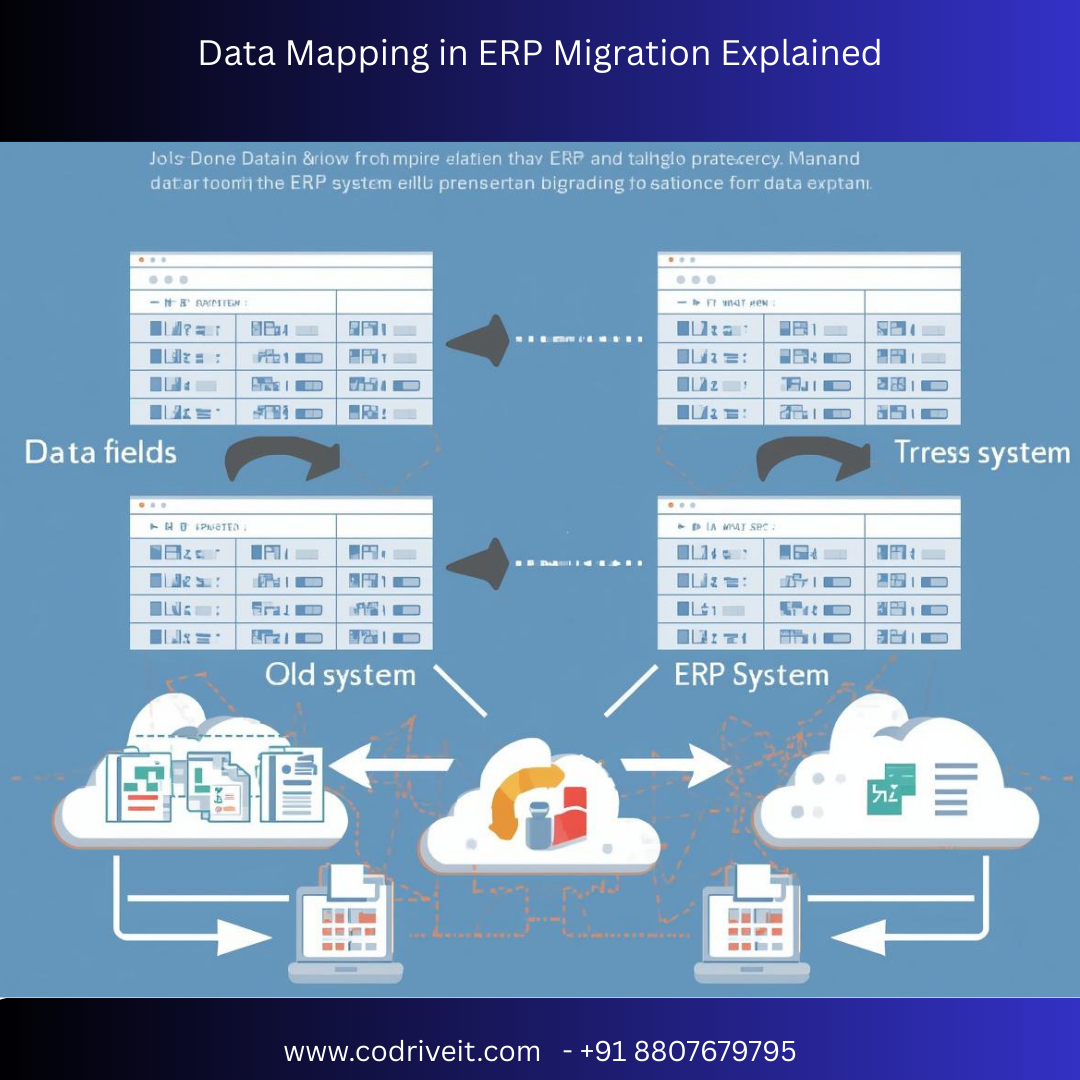

Enterprise Resource Planning (ERP) migration is one of the most critical digital transformation initiatives for modern businesses. Whether you are upgrading from legacy systems or moving to advanced platforms like SAP S/4HANA, Oracle ERP Cloud, or Microsoft Dynamics 365, data mapping plays a vital role in ensuring accuracy, consistency, and operational continuity.
In this comprehensive guide, we’ll explain what data mapping in ERP migration is, why it matters, key steps involved, common challenges, and best practices to ensure a seamless transition.
Data mapping in ERP migration is the process of matching data fields from a source system to corresponding fields in a target ERP system. It ensures that information such as customer records, financial data, inventory details, and HR data is correctly transferred and aligned with the new ERP structure.
Simply put:
Source Data → Transformation Rules → Target ERP Fields
Without proper data mapping, businesses risk:
Data inconsistencies
Reporting errors
Compliance issues
Operational disruptions
Proper mapping eliminates mismatched fields, incorrect values, and duplicate records.
Incorrectly mapped data can halt operations post-go-live. Accurate mapping ensures smooth workflow transition.
Correct data alignment enables reliable dashboards, KPIs, and forecasting.
Financial, HR, and audit data must comply with standards — mapping ensures structured compliance.
Before mapping begins:
Identify all data sources (legacy ERP, CRM, spreadsheets, databases)
Classify data (master data, transactional data, historical data)
Remove redundant or obsolete data

4
Understand how the new ERP system structures:
Customer master data
Vendor records
GL accounts
Inventory codes
Employee data
Each ERP has different field formats and data requirements.
Create a data mapping document that includes:
| Source Field | Target Field | Data Type | Transformation Rule |
|---|---|---|---|
| Cust_ID | Customer_Number | Integer | No change |
| Addr | Address_Line_1 | Text | Split by comma |
| Amount | Invoice_Total | Decimal | Convert currency |
This document becomes the foundation for the migration process.
Mapping often requires transformation:
Format conversion (DD/MM/YYYY → YYYY-MM-DD)
Code standardization
Currency conversion
Unit conversions
Duplicate removal
Perform trial migrations
Validate record counts
Conduct reconciliation testing
Get business user approval
Testing ensures mapped data behaves correctly inside the new ERP environment.
Performed using spreadsheets — suitable for small projects.
Uses ETL tools for large-scale migrations.
Aligns business meaning rather than just field names.
Inconsistent Data Formats
Duplicate & Incomplete Records
Legacy System Complexity
Lack of Documentation
Business Rule Mismatches
Data Volume & Performance Issues
Clean data before mapping to avoid transferring errors.
Finance, HR, procurement teams must validate mapping logic.
Documentation helps in audits and future upgrades.
Automated tools reduce manual errors and improve speed.
Test early and test often.
Establish ownership and validation checkpoints.
| Data Mapping | Data Transformation |
|---|---|
| Aligns source and target fields | Converts data into required format |
| Defines structure | Modifies data values |
| Planning phase activity | Execution phase activity |
Both are essential components of ERP migration.
✔ Higher data integrity
✔ Reduced go-live risks
✔ Faster ERP adoption
✔ Accurate financial reporting
✔ Improved operational efficiency
✔ Better decision-making
A manufacturing company migrating to SAP S/4HANA discovered:
20% duplicate vendor records
Inconsistent unit measurements
Legacy tax code conflicts
After structured data mapping and cleansing:
Reporting accuracy improved by 35%
Invoice processing time reduced by 25%
Zero compliance errors post go-live
Popular tools include:
ETL Platforms (Informatica, Talend)
ERP-native migration tools
Custom SQL scripts
Data profiling tools
Data mapping is not just a technical activity — it is a strategic process that determines ERP migration success.
A well-planned data mapping strategy ensures:
Clean data
Accurate transformation
Seamless ERP integration
Long-term scalability
If you are planning an ERP migration, investing time in structured data mapping can save months of rework and millions in risk mitigation.




